
Ultra fast VNC client JollysFastVNC is an ARD (Apple Remote Desktop) and VNC (Virtual Network Computing) client that aims to be the most secure VNC client on the Mac. Certainly if you've used Chicken of the VNC, you might be impressed by how lightweight and fast it is. Most VNC clients available on the Mac tend to be very slow and JollysFastVNC came out of the developer's frustration with using ScreenRecycler .
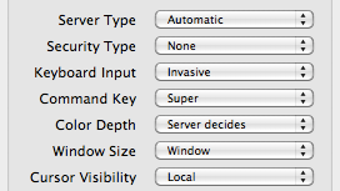
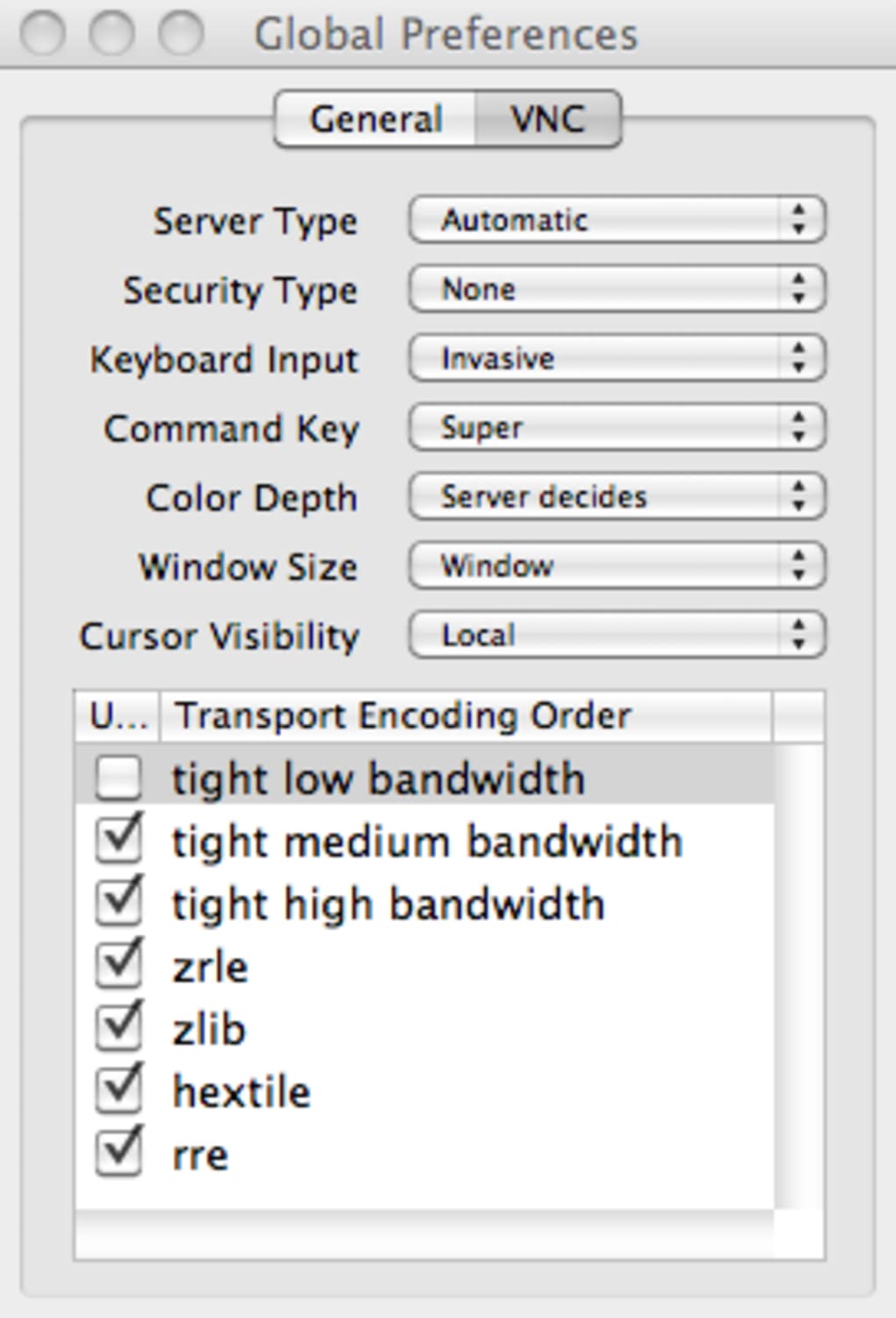
JollysFastVNC has now established itself as a remarkably fast, stable and secure VNC client. If you're new to VNC clients then there's a few things you should understand about this app. JollysFastVNC has a set of Global Preferences which need to be used when the connection preferences have a default value.
If you need your connection to have anything other than these values, you'll have to set them yourself. In addition, you'll need to configure a server type. This is used for detection of how keyboard and mouse events are sent to the client although leaving this on automatic should be fine for most people's uses.
However, the main problem many people will have is the fact that JollysFastVNC isn't free but does pretty much the same job as other free VNC apps such as Chicken of the VNC. Whether or not it is worth paying for the full version, you'll have to decide for yourself. It may take some getting used to for newbies but if you're disappointed with your current VNC client, and don't mind paying for something better, then check out JollysFastVNC.
Changes Added support for Mac OS X 10.7 Lions fullscreen. On Lion you can get the old multiscreen fullscreen window by enabling it in the advanced section of preferences.







